
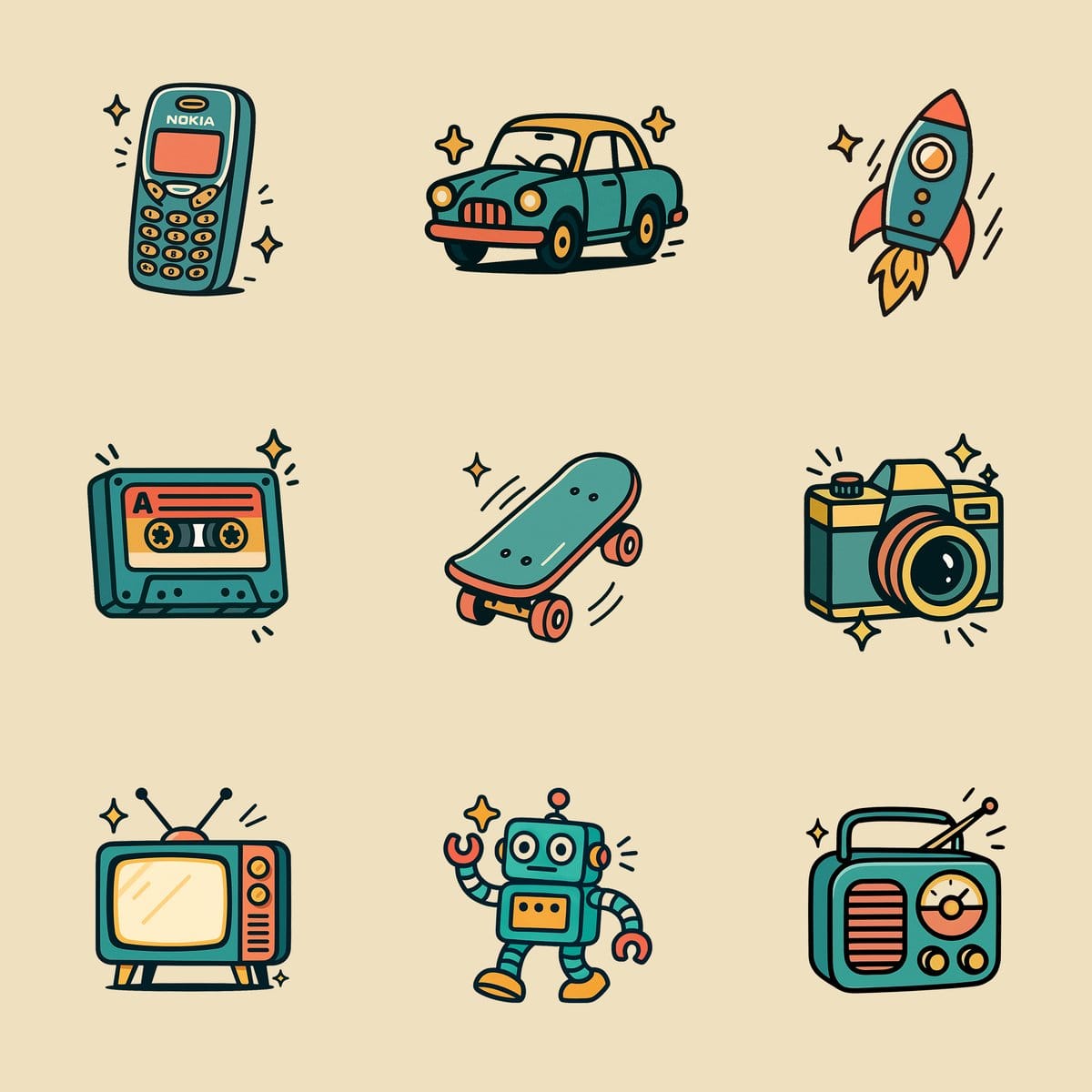
利用复古卡通风格生成独特图标。使用纯色、粗线条与简约配色,打造清晰矢量插画,快速设计怀旧风格图标。
利用复古卡通风格生成独特图标。使用纯色、粗线条与简约配色,打造清晰矢量插画,快速设计怀旧风格图标。 Create an illustration of a [OBJECT] in a retro cartoon style. Use only flat, solid colors with no gradients, smudging, airbrushing, or blur. All shading and highlights should be made from clean, separate color blocks. Outline all shapes with thick, bold black lines. Use a simplified color palette (such as teal, coral, mustard, and white) for a vintage feel. Add small sparkle accents or motion lines for charm, but keep the icon the clear focus. Set the illustration on a plain white background. The final result must be crisp, clean, and vector friendly with sharp edges and no texture or raster effects. Square aspect ratio. 创建复古卡通风格的 [OBJECT] 插图。仅使用单色,不要使用渐变、涂抹、喷枪或模糊。所有阴影和高光都应由干净、独立的色块制成。用粗大的黑色线条勾勒出所有形状的轮廓。使用简化的调色板(如蓝绿色、珊瑚色、芥末色和白色)以获得复古感。添加小的闪光点缀或动感线条以增加魅力,但保持图标的明确焦点。将插图设置在纯白色背景上。最终结果必须清晰、干净且矢量友好,具有锐利的边缘,并且没有纹理或栅格效果。方形纵横比。 复古卡通, 图标设计, 矢量插画, 平面设计